How Grocery Delivery Works: Step-by-Step for First-Time Users?
 |
| How Grocery Delivery Works: Step-by-Step for First-Time Users? |
If you’ve ever scrolled through your favorite grocery app, filled your virtual cart, and wondered what happens behind the scenes — you’re not alone. The idea of ordering groceries from your couch sounds almost too convenient, especially if you’ve never tried it before. But the truth is, grocery delivery has become one of the most seamless, time-saving ways to shop. From selecting items online to having them dropped at your doorstep, the process is surprisingly simple once you understand how it all works.
Let’s break it down, step by step, so you can feel confident placing your first grocery order — without second-guessing a thing.
Step 1: Choose Your Preferred Grocery Delivery Platform
The first step starts with picking a platform that suits your lifestyle and location. There are tons of options out there — from popular apps run by major supermarket chains to third-party delivery services that partner with multiple stores.
When choosing one, consider factors like:
Delivery area: Does the app serve your location?
Product selection: Are you after specialty items, organic produce, or local brands?
Delivery speed and fees: Some apps offer same-day or express delivery for an extra charge.
User reviews: A quick scan through app store ratings or online reviews can save you from future frustration.
If you want to explore platforms in detail, check out The Ultimate Guide to Grocery Delivery Services — it covers the best options and what makes each one stand out.
Step 2: Create an Account and Set Up Your Profile
Once you’ve chosen your platform, it’s time to create an account. Most services ask for basic details like your name, phone number, and delivery address. Some apps allow you to save multiple addresses — a lifesaver if you order for both home and work.
Setting your delivery preferences upfront also helps. You can:
Add payment methods (credit card, debit card, or digital wallets).
Enable “contactless delivery” if you prefer a no-interaction drop-off.
Save shopping lists for future orders — handy for recurring purchases like milk, bread, or snacks.
Think of this step as personalizing your virtual grocery experience — it’ll make future checkouts smoother and faster.
Step 3: Browse and Add Items to Your Cart
Here’s where the fun begins. Start exploring! Most apps categorize items clearly — produce, dairy, frozen foods, snacks, household essentials, and more. You can search by brand, filter by dietary needs (like gluten-free or vegan), and even check real-time discounts.
A few pro tips for first-time shoppers:
Check product descriptions carefully. Photos can be misleading, and weight or quantity might differ.
Compare prices. Delivery apps sometimes have varying prices from in-store rates.
Add substitutes. If something’s out of stock, enabling substitutes helps ensure you still get a similar product.
Building your cart online takes a bit of practice, but once you’ve done it a couple of times, it becomes second nature.
Step 4: Schedule Your Delivery Time
After filling your cart, you’ll be prompted to choose a delivery slot. This part is crucial, especially if you’re planning meals around your order.
Most apps offer:
Same-day delivery: For quick restocks.
Scheduled delivery: Ideal if you want groceries to arrive while you’re home.
Express delivery: Usually costs more but saves you from long waits.
Keep in mind that delivery availability can vary depending on the time of day, store traffic, and demand (especially during weekends or holidays). Planning ahead helps you secure your preferred slot.
Step 5: Review and Place Your Order
Before checking out, take a moment to review your order. Make sure:
You’ve added everything you need (forgetting coffee or eggs is too common!).
Delivery details are accurate.
Discount codes or loyalty points are applied.
Once you confirm the order, you’ll receive a digital receipt and estimated delivery time. Many apps let you track your shopper or driver in real time — from when they start picking items to when they’re on the way.
Step 6: Track Your Order and Stay Updated
Most grocery delivery services now come with live tracking features. You can see updates like:
“Shopper is in-store”
“Driver is en route”
“Order delivered”
Some apps even allow direct messaging with your shopper, which is useful if a product is unavailable or needs substitution. Communication here ensures your order turns out just right.
When your delivery arrives, double-check your bags to make sure everything matches your list. If there’s an issue, like missing or damaged items, most platforms offer quick refunds or replacements through their help sections.
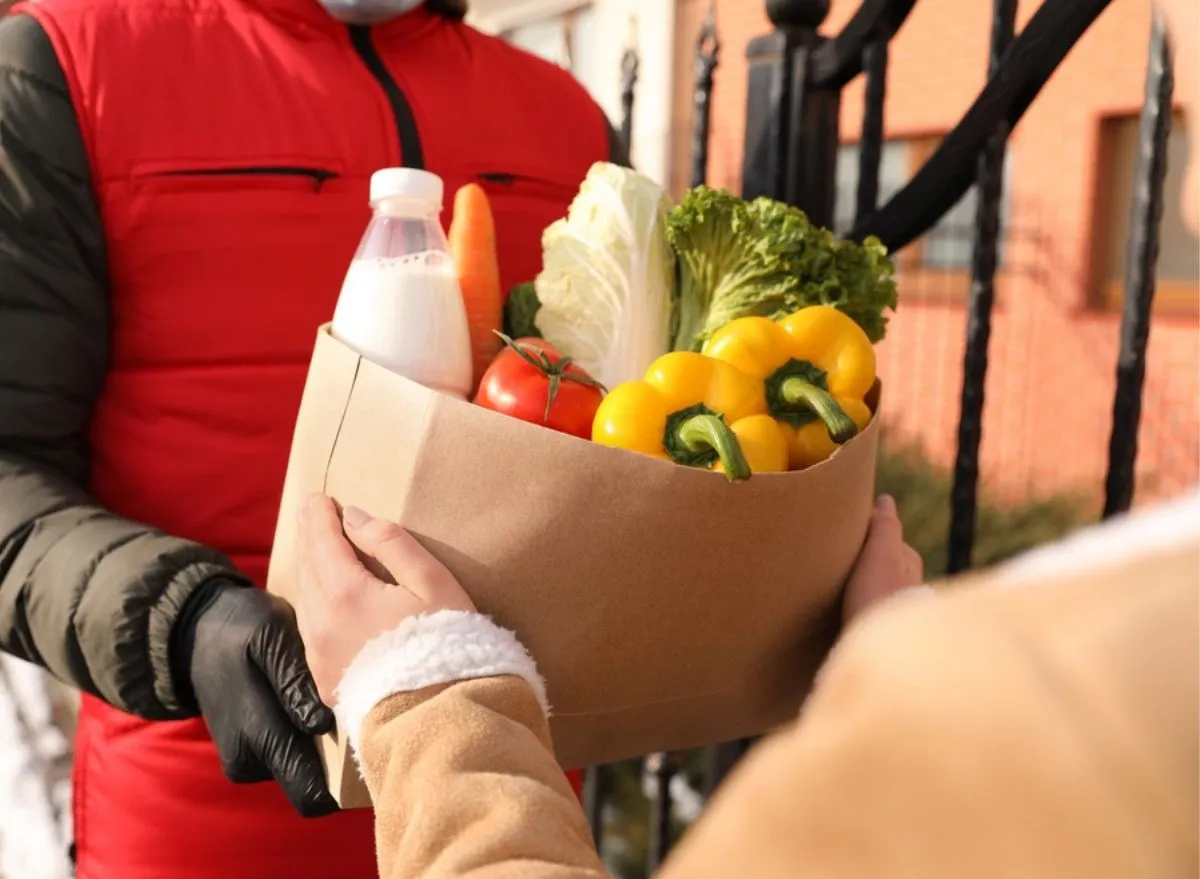
Step 7: Receive and Store Your Groceries
Once your groceries are at your door, unpack perishables first — dairy, meat, or frozen items should go straight into the fridge or freezer. Non-perishables can wait a bit.
A small tip: Keep reusable bags handy if your order comes in disposable packaging. Many services are moving toward eco-friendly delivery, and reusing bags is a great way to do your part.
Step 8: Review Your Experience and Save Favorites
After your first delivery, you’ll likely be asked to rate your experience. Take a minute to do it — it helps improve future orders and supports great shoppers.
Most apps also let you “favorite” items or stores, so next time you can reorder in just a few taps. Before long, you’ll have a customized grocery list that fits your routine perfectly.
Final Thoughts
Trying grocery delivery for the first time can feel like stepping into the future — but it’s a future that’s already here, and it’s surprisingly easy to use. Once you get the hang of it, it’s hard to imagine going back to crowded aisles and checkout lines.
Whether you’re saving time, planning healthier meals, or just making life simpler, grocery delivery is all about convenience meeting reliability. So go ahead, give it a try — your next grocery run might just be the easiest one yet.


Comments
Post a Comment